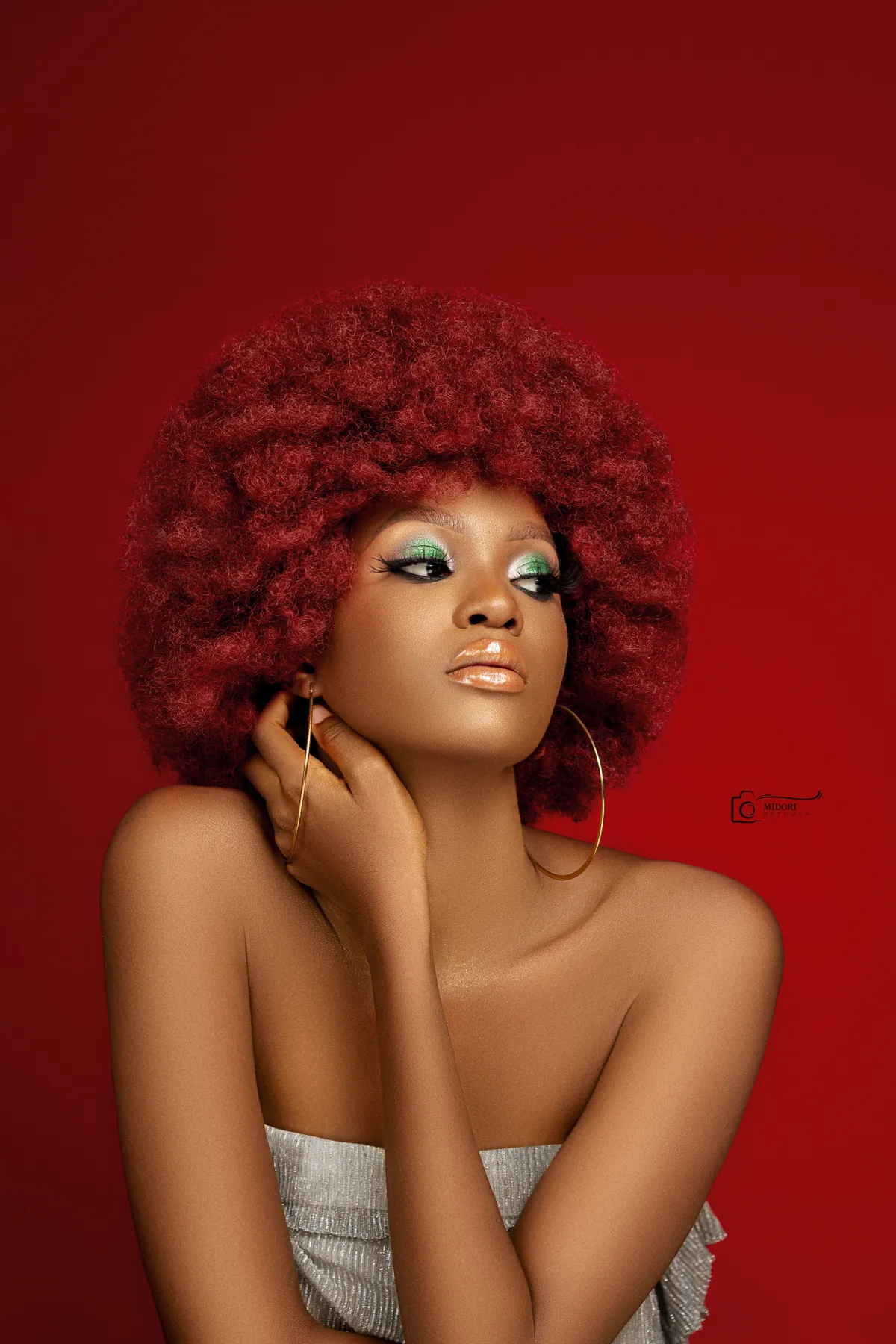
Start by defining what should stay
Before removing anything, identify permanent features: pores, freckles, expression lines, moles and the natural transitions created by bone structure. These details carry identity and should not be treated like temporary blemishes.
A retoucher should also understand the lighting. A dark area may describe form rather than represent uneven skin. Removing it can flatten the face and make the result less believable.
- Protect permanent features
- Respect the original light
- Work at multiple zoom levels
- Compare regularly with the original
Correct tone before replacing texture
Many apparent texture problems are actually tonal problems. Gentle dodge and burn can reduce small shadows and highlights without touching the underlying surface. This often produces a cleaner result than copying texture from another area.
When texture reconstruction is required, samples should follow the direction, scale and sharpness of the surrounding skin. Repetition and mismatched grain are common signs of rushed work.
Keep colour transitions believable
Redness, yellow patches and desaturated areas should be corrected gradually. Perfectly uniform skin colour can look as artificial as blurred texture.
The final check should include a fit-to-screen view, a close crop and a comparison with the untouched capture. If the retouch is impressive only at extreme zoom, the priorities may be wrong.